 Pull Focus
PULL FOCUS / A FOCUS TIMER FOR THE MAC MENU BAR
Pull
Focus
A timer that lives in the menu bar and shows no window until you ask for one. Pull down to set the minutes, let go, and the time is running.
Machine Mac, macOS 13 or later
Account none, and no network at all
History a file you can read and export
Price free, limited time only
Account none, and no network at all
History a file you can read and export
Price free, limited time only
1
One gesture is the whole start. Press the icon, drag down, let go.
Nothing to set up and nothing to close afterwards.
180
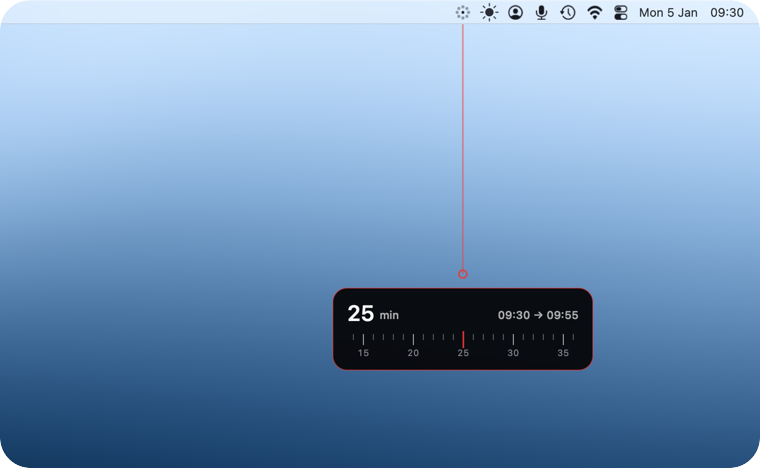
One to a hundred and eighty minutes, and the clock range beside the number.
You see when the block ends before it starts.
01
Pull to set the time
The number follows your hand. A tape of minutes runs under a mark that never moves, so the value is where the two cross. Let go to start.
02
Say what the block is for
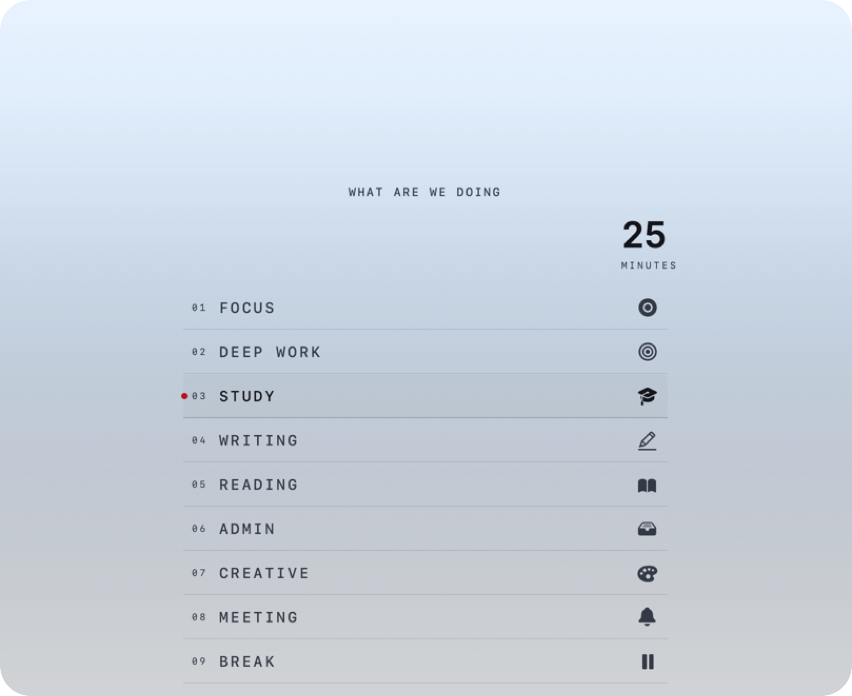
One question, then your categories. It starts with nine and every one can be renamed, reordered or removed. Or skip the question entirely, which is what the simple mode does.
03
Work to a line
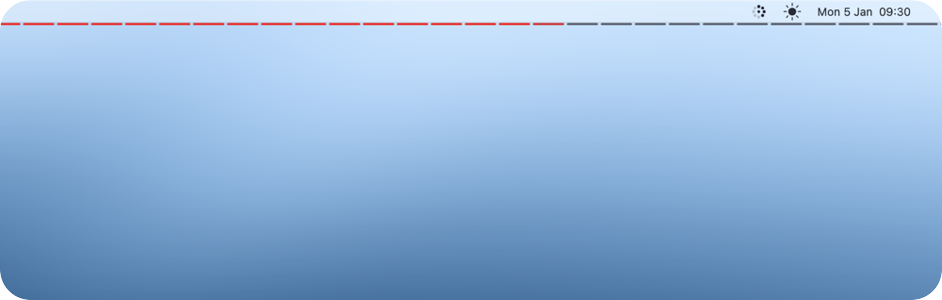
A thin line under the menu bar and a countdown in the status item, next to a ring that burns down. Click the countdown to pause, click again to carry on.
04
Finish with a sentence
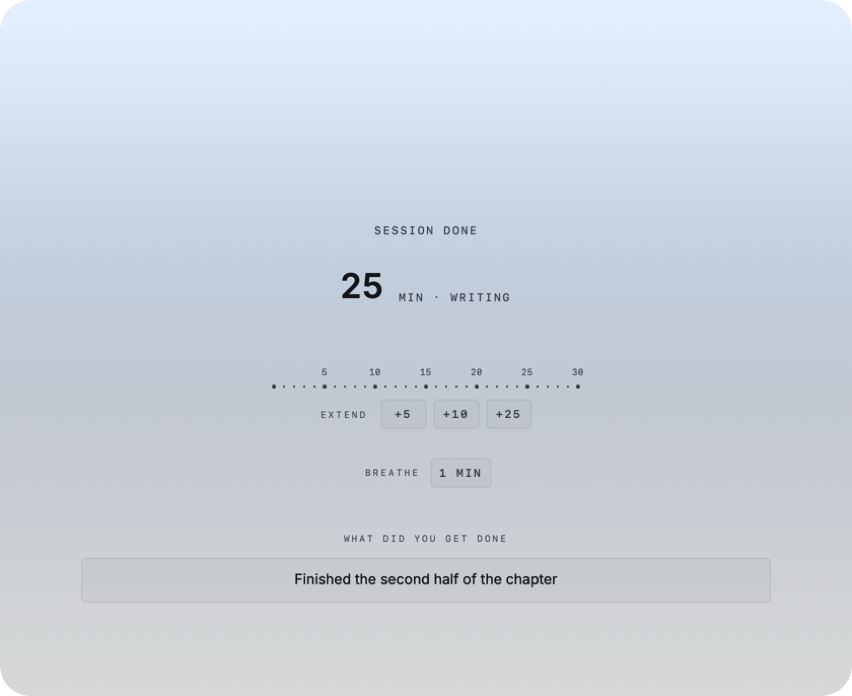
The edges of the screen brighten for the last eight seconds, then the app asks what you got done. One line is enough, and it is optional. From the same screen you can add minutes or take a breathing pause.
05
Keep the record
Every session with its start, end, length, category, pauses and note. Nothing is trimmed after a month. Export it as Markdown, by day or by category, wherever you choose to save it.
What it puts on screen
Four screens and a line, the real application drawing itself, not a
mockup. It ships in two themes; switch here to see either.

Three ways to run it
A mode is a named set of the same choices the menus already hold, so
nothing it picks is locked. Change one thing by hand and you are in the
third column, with everything you changed kept.
Simple
- Asks nothing. Pull, work, light at the edges when the time is up.
- Keeps nothing. No category, no note, no screen at the end.
- For the block you start without deciding anything first.
Deliberate
- Asks what the block is for and counts the time against it.
- Takes a line at the end, if you want to write one.
- The whole thing, and what the screenshots above show.
Custom
- Every choice on its own. The look of the pull, the line, the ending.
- Kept when you switch away and back again.
- Yours until you change it.
What it does not do
Network
None at all. The app never opens a connection, so nothing can be sent anywhere. There is no account and nothing to sign in to.
Permissions
It asks for none. The only system dialog you will meet is the save panel, when you export your own history.
Tracking
No advertising, no analytics, no crash reporting. Nothing is counted and nothing is sent.
Login items
It does not start itself when you log in unless you say so, and it asks that question once.
Pull down. Let go.
MAC APP STORE / MACOS 13 OR LATER / FREE, LIMITED TIME