ZONDOT / HOURS OF SUN, FOR IPHONE

ZonDot

ZonDot answers three questions and refuses the rest: how much sun today, when the sun starts and stops, and what the wind and rain are doing.

Device iPhone, iOS 17 or later
Data Open-Meteo, no account
Widgets home and lock screen
App English, Dutch and Russian
3
Three questions on one screen. Hours of sun as a number, not a picture of a cloud.
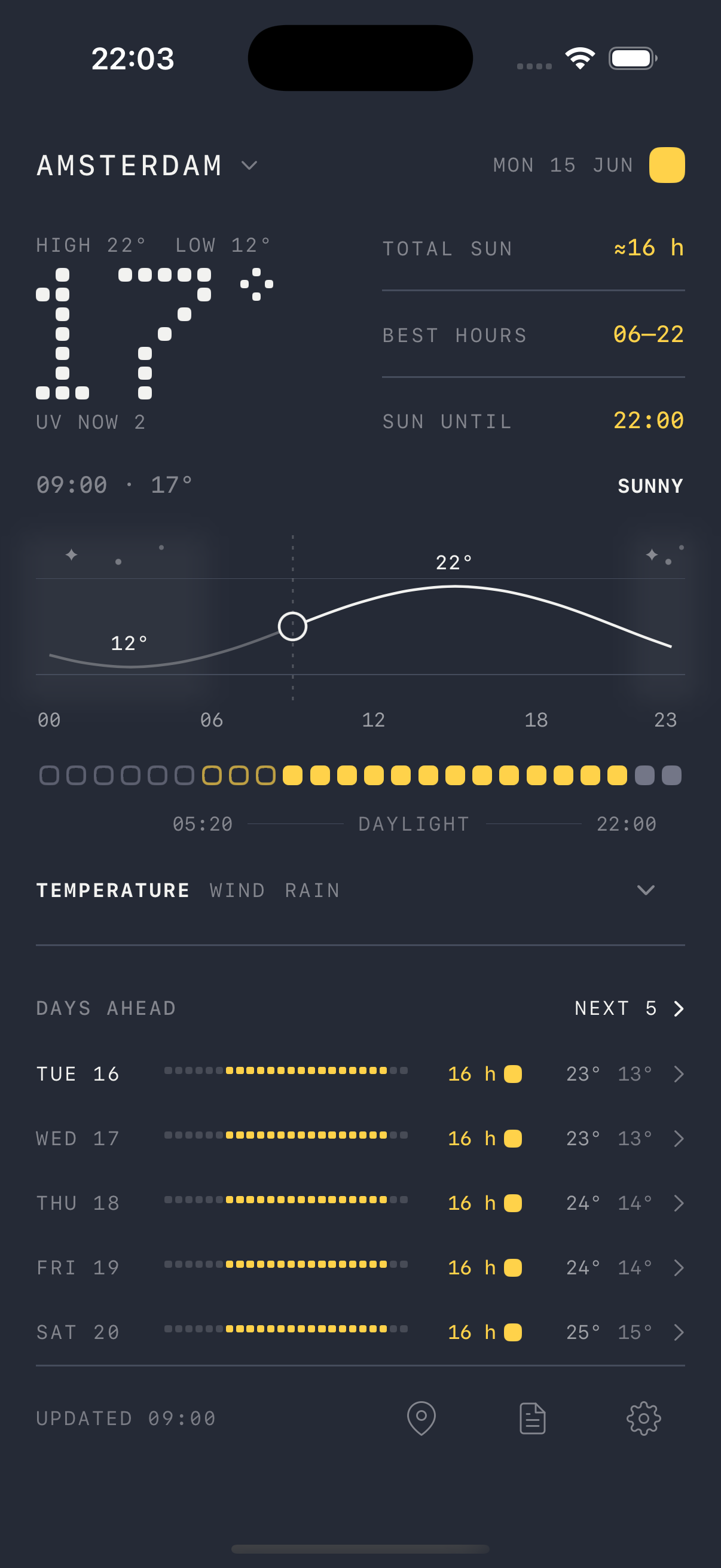
The Zon today screen: Amsterdam, high 26 and low 18, six hours of sun with the best stretch from 12 to 15, a temperature curve, the day as 24 dots, and five days ahead as rows of dots.
Today, Amsterdam
24
Twenty-four dots for a day, ten days ahead as rows of the same. The shape of a day before you read a number.
01
How much sun today
A number in hours, the clearest stretch beside it, and the hour the light runs out.
02
When the sun starts and stops
Sunrise, sunset and the span between them, drawn under the hours of the day. What has gone looks different from what is still ahead.
03
What the wind and rain are doing
One timeline for temperature, wind and rain, opened when you want it and folded away when you do not. Rain in words rather than millimetres: drizzle, light, moderate, heavy, downpour. Wind as a strength, not a vector to interpret.

The day in 24 dots

One dot per hour. Colour is the sky, fill is time, and the whole day reads without a number in it.

Colour is the sky Sun Cloud Rain Night
Fill is time Still ahead Already gone Right now

Read any hour, and any day

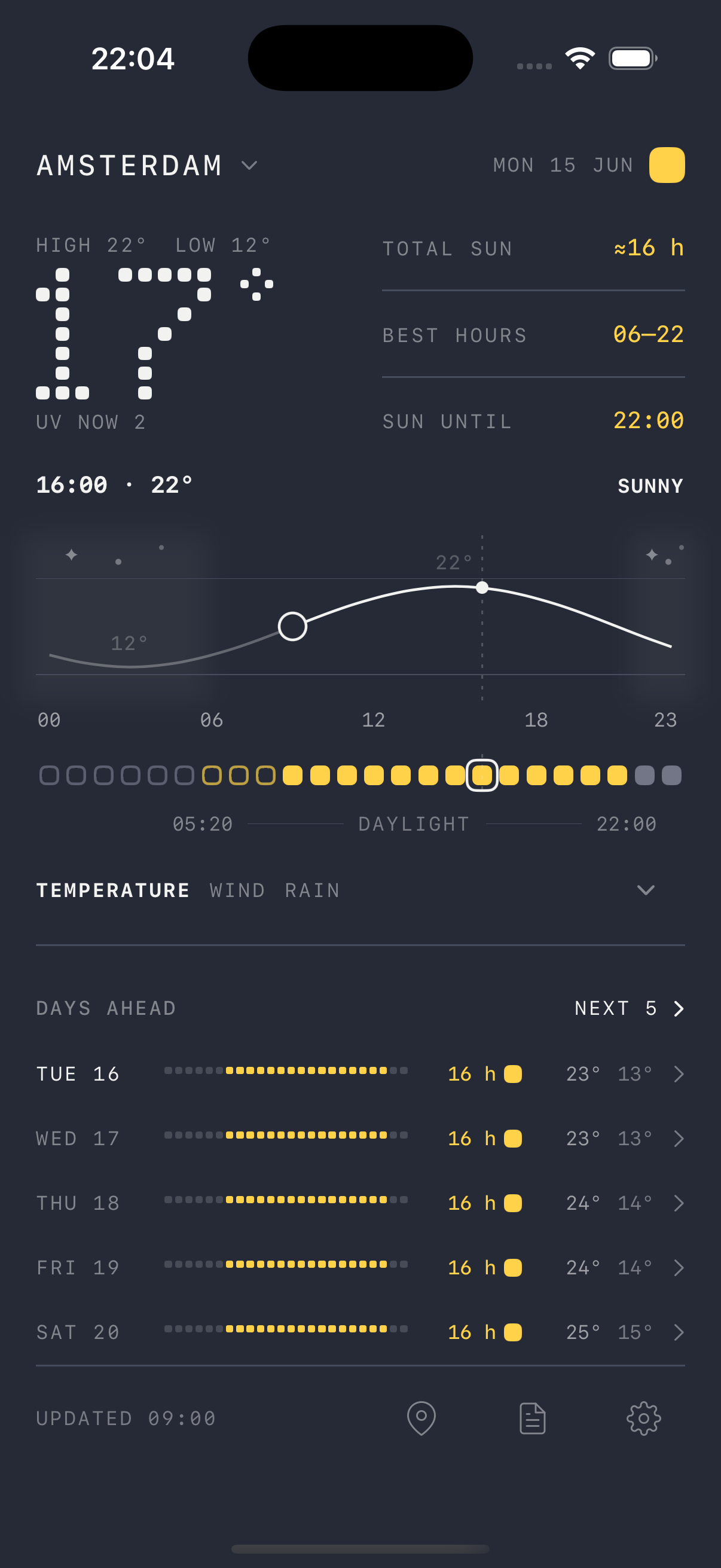
Drag a finger across the chart and the reading follows it: hour, temperature, sky. Let go and it returns to now.

The today screen with the chart being dragged: the cursor sits at 13:00 and 34 degrees, and the matching dot in the 24-hour strip is ringed.
Any hour
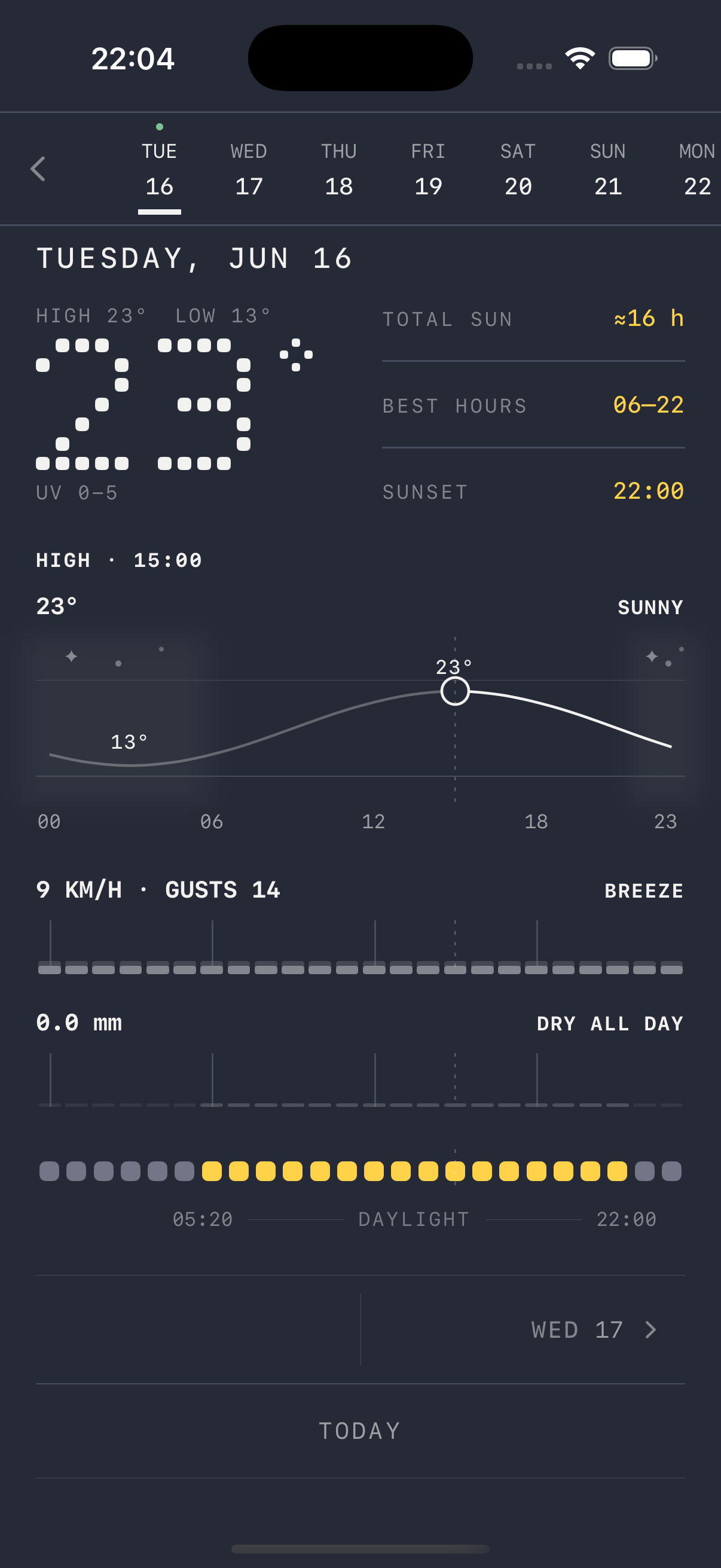
A single day opened: Thursday 6 August, low 17 degrees, about 11 hours of sun, sunrise 06:09 and sunset 21:23, with temperature, wind and rain drawn on one timeline above the 24 dots.
Any day

The days ahead

Ten days, each a row of the same 24 dots with its hours of sun beside it. Open any day and read it hour by hour.

Cities

Search by name and a city arrives with its region and country, so you know which one you picked. No location permission to grant: there is no location code in the app, which is why iOS never asks.
Without opening the app

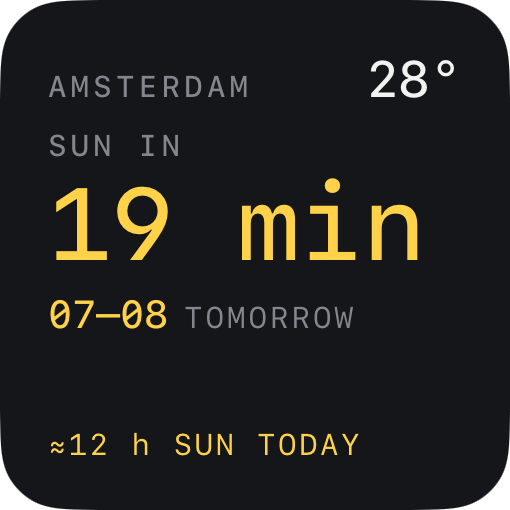
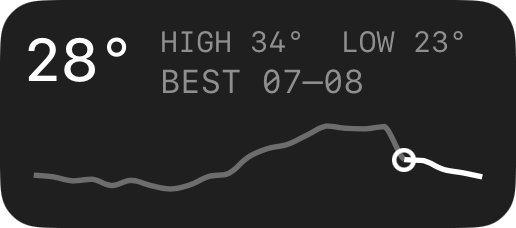
Three faces, one question: how long until the sun. One on the home screen, two on the lock screen.

The small home screen widget: Amsterdam, 28 degrees, sun in 19 minutes, the best stretch 07 to 08 tomorrow, and about 12 hours of sun today.
Home, small
The rectangular lock screen widget: 28 degrees, high 34 and low 23, best 07 to 08, and the day's temperature drawn as one curve.
Lock, rectangular
The inline lock screen widget, the line under the clock: a sun mark and the words sun in 19 min.
Lock, inline

What ZonDot does not do

No account
Nothing to sign up for, nothing to sign in to, nothing to lose when you delete the app.
No advertising
No banners, no sponsored day, no upsell on the screen you opened for the weather.
No tracking
No analytics of any kind, no telemetry, no crash reporting, no identifier, no third party that receives anything about you. Said at length on the privacy page.

ZonDot 1.0, for iPhone

IOS 17 OR LATER · NO ACCOUNT
